


Learn the best practices for UI in app development, including design principles, user experience strategies, development process, and modern UI trends.
What Are the App Development Best Practices for UI?
User interface (UI) design plays a critical role in the success of mobile and web applications. A well-designed interface helps users interact with applications smoothly while enhancing overall user experience (UX). Businesses developing digital products often ask what are the app development best practices for UI to ensure their applications are intuitive, visually appealing, and easy to navigate.
Modern users expect applications that are not only functional but also visually engaging and responsive across devices. Poor UI design can lead to confusion, frustration, and high app abandonment rates. On the other hand, effective UI design improves usability, increases user engagement, and strengthens brand perception.
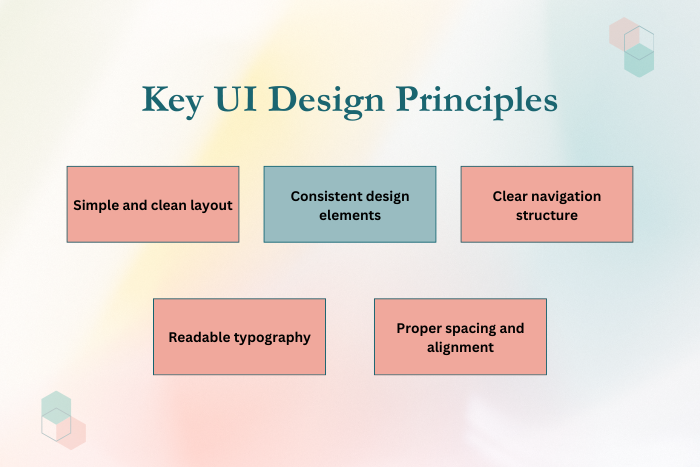
Best practices for UI development focus on simplicity, consistency, accessibility, and performance optimization. Designers and developers must carefully consider elements such as layout structure, typography, color schemes, touch interactions, and responsive design. Additionally, UI must adapt seamlessly to various screen sizes and operating systems while maintaining visual consistency.
This guide explores the best practices for UI in app development, including design strategies, key features, development processes, technology stacks, cost considerations, and emerging UI trends that help businesses create successful digital products.
Why UI Best Practices Are Important in App Development
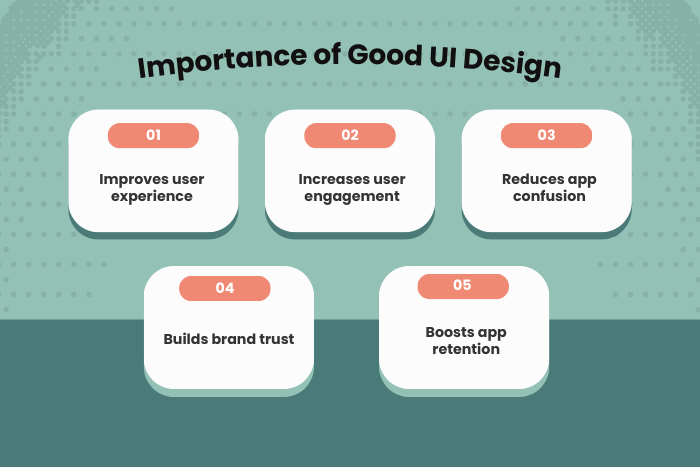
User interface design is one of the most important factors influencing app usability and customer satisfaction. A well-structured UI ensures users can navigate an app easily and complete tasks efficiently.
Here are several reasons why UI best practices are important:
Improved User Experience
Clear and intuitive interfaces make applications easier to use.Higher User Engagement
Visually appealing interfaces encourage users to spend more time in the app.Reduced Learning Curve
Consistent UI patterns help users understand how the app works quickly.Better App Performance
Optimized UI reduces loading times and improves responsiveness.Higher Conversion Rates
Well-designed interfaces improve user actions such as purchases or registrations.
Implementing strong UI practices helps businesses deliver products that users enjoy using and trust.
Types of UI Design Solutions in App Development
Different UI design approaches are used depending on the application type, platform, and user requirements.
Responsive UI Design
Interfaces that automatically adjust to different screen sizes and device orientations.Mobile-First UI Design
Designing the interface primarily for mobile devices before adapting to larger screens.Adaptive UI Design
Interfaces that adjust layouts based on device capabilities and screen dimensions.Cross-Platform UI Design
UI elements designed to work consistently across Android, iOS, and web platforms.Minimalist UI Design
Simple and clutter-free interfaces focusing on essential content.Accessibility-Focused UI Design
Interfaces optimized for users with disabilities, including screen readers and high-contrast modes.
These UI design solutions ensure applications remain accessible and functional across multiple devices.
Key Features of Effective UI Design
Successful applications implement UI features that enhance usability and user satisfaction.
Clear Navigation Structure
Logical menus and navigation systems that guide users through the app.Consistent Visual Design
Uniform typography, colors, and icons across the entire interface.Touch-Friendly Controls
Buttons and interactive elements optimized for mobile touch interactions.Readable Typography
Proper font sizes and spacing for comfortable reading.Visual Feedback
Indicators showing users when actions are successful or in progress.Accessible Design Elements
High contrast and screen reader compatibility for accessibility.Fast Loading Interface
Optimized UI elements that improve speed and performance.Dark Mode and Theme Support
Customizable themes that enhance user comfort.
These features create intuitive and engaging user interfaces.
UI-Focused App Development Process
Developing a strong UI requires a structured design and development process.
User Research and Requirement Analysis
Understand target users, behaviors, and usability expectations.Wireframing and Information Architecture
Create visual blueprints outlining layout and navigation.UI/UX Design and Prototyping
Design interactive prototypes to test user interactions.Frontend Development Implementation
Convert UI designs into functional user interfaces.Usability Testing and Feedback
Evaluate how users interact with the app and identify improvements.Performance Optimization
Improve loading speeds and responsiveness.Deployment and User Monitoring
Launch the application and analyze user behavior.Continuous UI Improvements
Update the interface based on feedback and usage data.
Following this process ensures UI designs remain user-centered and effective.
Technology Stack for UI Development
Developers use various technologies and frameworks to build modern user interfaces.
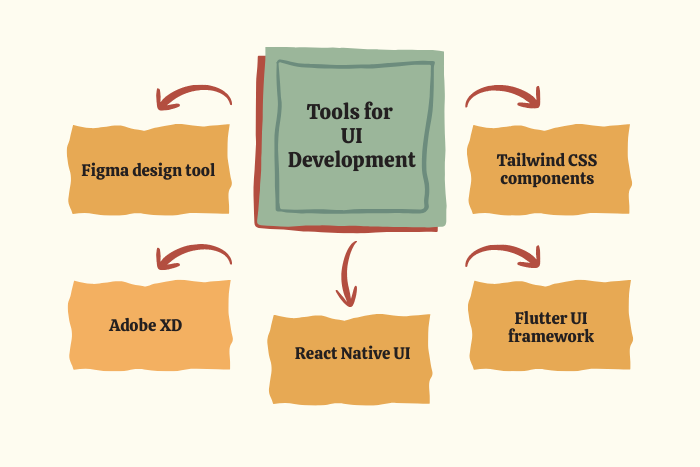
Frontend Technologies: HTML5, CSS3, JavaScript, TypeScript
Mobile UI Frameworks: Flutter, React Native, SwiftUI, Jetpack Compose
Design Tools: Figma, Adobe XD, Sketch
UI Component Libraries: Material UI, Bootstrap, Tailwind CSS
Testing Tools: Selenium, Cypress, Appium
Performance Tools: Lighthouse, Firebase Performance Monitoring
Cloud Platforms: AWS, Google Cloud Platform, Microsoft Azure
Accessibility Tools: Axe, Lighthouse Accessibility Audit
These technologies enable developers to build responsive and high-performing interfaces.
Cost Factors in UI Development
Several factors influence the cost of implementing effective UI design in applications.
Design Complexity
Advanced animations and custom graphics increase design costs.Platform Support
Supporting multiple platforms such as Android, iOS, and web requires additional effort.UI Testing and Optimization
Usability testing and iterative improvements add to the project scope.Custom Design Requirements
Unique branding and visual styles require specialized design work.Accessibility Implementation
Ensuring accessibility standards may require additional development.Maintenance and UI Updates
Ongoing improvements based on user feedback increase long-term costs.
Understanding these factors helps businesses allocate budgets effectively for UI development.
Latest Trends in UI App Development
UI design trends continue to evolve as user expectations and technologies change.
Neumorphism and Glassmorphism Design
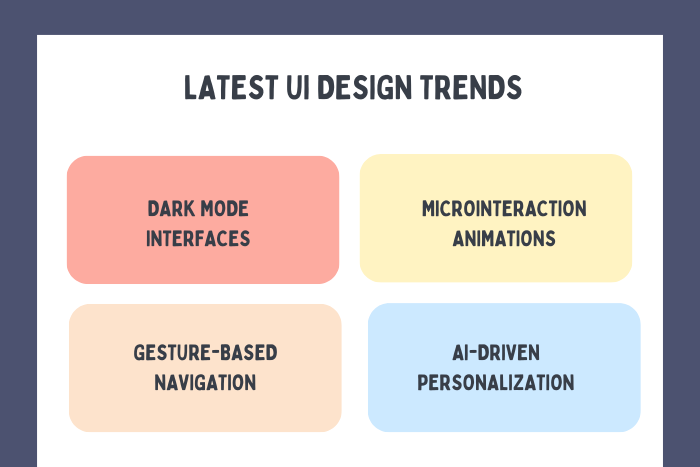
Modern visual styles that add depth and transparency effects.Dark Mode Interfaces
Dark-themed interfaces that reduce eye strain.Microinteractions
Small animations that provide feedback for user actions.Voice-Based User Interfaces
Voice navigation integrated into applications.Gesture-Based Navigation
Swipe and gesture controls replacing traditional buttons.AI-Driven Personalization
Interfaces that adapt based on user behavior.
These trends help developers create engaging and modern user experiences.
Why Choose Us for UI-Focused App Development?
Creating successful applications requires strong UI expertise combined with modern development technologies. Our team specializes in designing intuitive, visually appealing, and high-performing user interfaces.
Here’s why businesses choose us:
User-Centered Design Approach – We design interfaces based on real user behavior and usability principles.
Modern UI Technologies – Expertise in Flutter, React Native, and modern frontend frameworks.
Cross-Platform UI Development – Consistent user experiences across mobile and web platforms.
Accessibility and Performance Optimization – Interfaces optimized for speed and accessibility standards.
Agile Development Methodology – Efficient workflows and transparent project delivery.
Custom Design Solutions – Tailored UI designs that align with your brand identity.
End-to-End Development Support – From UI strategy and design to deployment and updates.
We help businesses build visually engaging applications that deliver exceptional user experiences.
Ready to design a powerful user interface for your app?
Let our experts create an intuitive and modern UI for your digital product.
Contact us today for a free consultation and project estimate.
Key Points :
- UI best practices focus on creating simple, intuitive, and user-friendly interfaces that improve app usability.
- Responsive and adaptive design ensures the app works smoothly across different devices and screen sizes.
- Consistent design elements like typography, colors, icons, and navigation patterns improve user experience.
- Touch-friendly controls and clear visual feedback help users interact easily with mobile applications.
- Modern UI development uses technologies such as Flutter, React Native, and frontend frameworks.
- Current trends include dark mode interfaces, microinteractions, AI-driven personalization, and gesture-based navigation.
FAQ's
Best practices include responsive design, clear navigation, consistent visual elements, accessibility, and performance optimization.
UI determines how users interact with an app, influencing usability, engagement, and satisfaction.
Popular tools include Figma, Adobe XD, Sketch, and UI frameworks like Flutter and React Native.
UI focuses on visual interface design, while UX focuses on the overall user experience and interaction flow.
Usability testing, A/B testing, and user feedback analysis help evaluate UI effectiveness.
Yes, UI improvements are often needed to adapt to user feedback and evolving design trends.

