

How to Create a Website with Wix?
Learn how to create a website with Wix using responsive templates, SEO tools, drag-and-drop design, and business website features.
Introduction
Understanding how to create a website with Wix is essential for businesses, startups, freelancers, and entrepreneurs looking to build professional websites quickly and efficiently. Wix is one of the most popular website builders that allows users to create responsive and visually appealing websites without advanced coding knowledge.
Wix provides drag-and-drop website editing, customizable templates, SEO tools, hosting services, domain integration, and business management features that simplify website creation. Whether you want to build a business website, portfolio, blog, eCommerce store, booking platform, or personal website, Wix offers flexible tools and scalable solutions for modern digital needs.
Modern Wix website development includes AI-powered design assistance, mobile optimization, integrated analytics, cloud hosting, online payment systems, and advanced SEO capabilities. Businesses can create high-performing websites that improve customer engagement, increase online visibility, and support long-term digital growth.
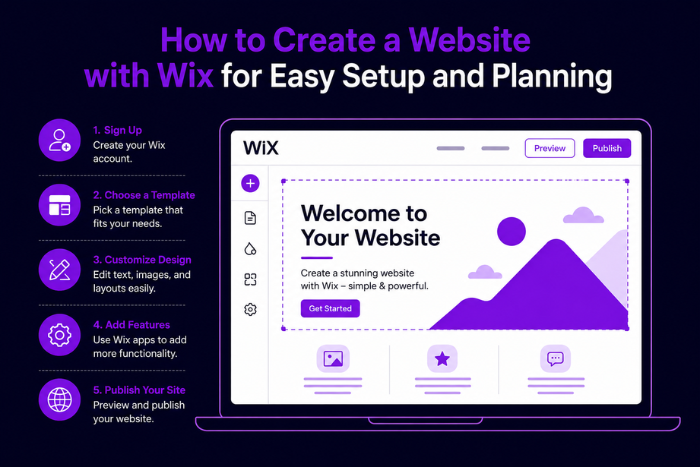
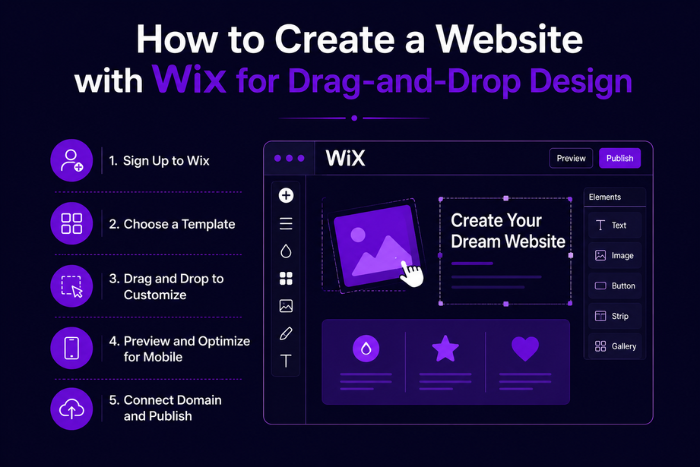
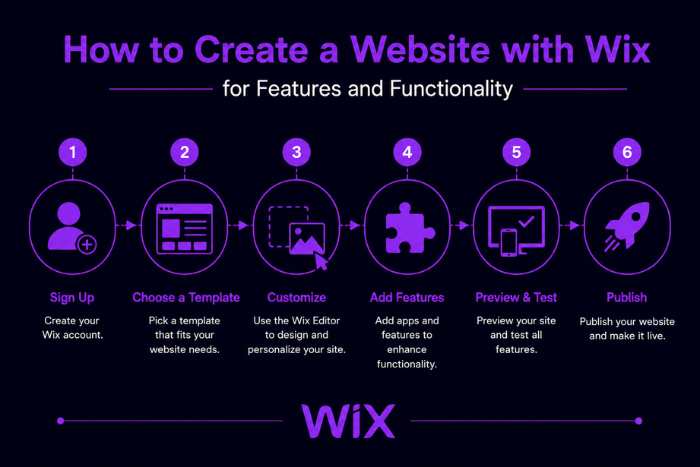
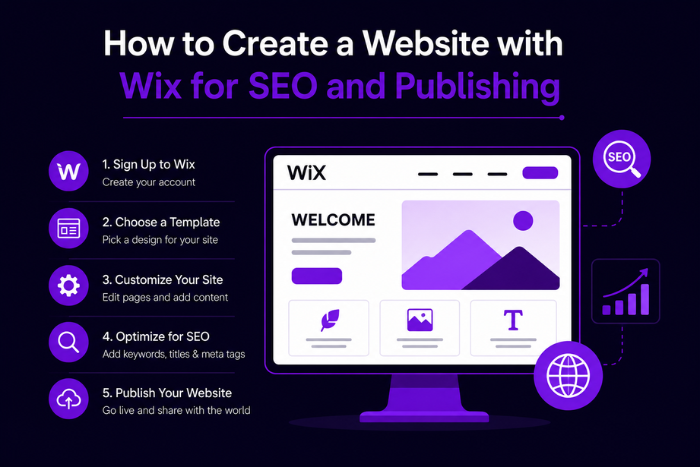
If you want to know how to create a website with Wix, the process involves defining website goals, selecting templates, customizing layouts, integrating features, optimizing SEO, testing functionality, and launching a secure and user-friendly website.
Why This Service is Important
- Easy Website Creation
Wix simplifies website development with drag-and-drop functionality and pre-designed templates. - No Coding Knowledge Required
Users can build professional websites without advanced technical expertise. - Responsive Website Design
Wix websites are optimized for desktop, tablet, and mobile devices. - SEO-Friendly Website Structure
Built-in SEO tools improve search engine rankings and visibility. - Fast Website Deployment
Businesses can launch websites quickly compared to traditional development methods. - Integrated Business Features
Wix supports eCommerce, bookings, blogs, and marketing tools in one platform. - Secure Hosting Infrastructure
Cloud hosting and SSL security improve website reliability and protection. - Scalable Website Solutions
Businesses can expand features and functionality as they grow.
Types of Solutions for Wix Website Development
Business Website Development
- Company profile websites
- Service showcase pages
- Lead generation systems
eCommerce Website Solutions
- Online product stores
- Shopping cart functionality
- Secure payment integration
Portfolio Website Development
- Creative portfolio galleries
- Personal branding platforms
- Multimedia showcase layouts
Blog & Content Websites
- Article publishing systems
- SEO-friendly blog layouts
- Content management tools
Booking & Appointment Websites
- Online scheduling systems
- Appointment management tools
- Payment-enabled booking workflows
Educational Website Solutions
- Online learning platforms
- Course management systems
- Student engagement portals
Restaurant & Hospitality Websites
- Online menu management
- Reservation systems
- Food ordering integrations
Personal & Freelance Websites
- Resume and profile websites
- Personal branding pages
- Freelance service portfolios
Key Features of How to Create a Website with Wix
- Drag-and-Drop Website Builder
Easily customize layouts and website sections without coding. - Responsive Website Templates
Access modern and mobile-friendly website designs. - SEO Optimization Tools
Improve website rankings with built-in SEO features and metadata controls. - Custom Domain Integration
Connect branded domain names for professional online presence. - Cloud Hosting & Security
Benefit from secure hosting, SSL certificates, and reliable infrastructure. - eCommerce Functionality
Manage products, payments, and orders through integrated online store systems. - AI-Powered Design Assistance
Use AI tools to generate layouts, content, and design recommendations. - Analytics & Reporting
Monitor website traffic, customer behavior, and business performance. - Third-Party App Integrations
Connect marketing tools, CRMs, and automation platforms. - Blog & Content Management
Publish and manage articles, media, and website content efficiently. - Booking & Scheduling Features
Allow customers to book appointments and services online. - Marketing & Social Media Tools
Promote websites through email campaigns and social media integration.
Development Process
Requirement Analysis & Planning
- Understand website goals and business requirements
- Identify target audience and content strategy
- Define website structure and features
Wix Account & Website Setup
- Create Wix account and configure settings
- Select suitable website categories and templates
- Configure domain and hosting preferences
UI/UX Design & Customization
- Customize website layouts and branding
- Design responsive user interfaces
- Optimize navigation and usability
Content & Media Integration
- Add website pages and multimedia content
- Upload images, videos, and branding assets
- Configure blog and product sections
Feature & App Integration
- Add eCommerce and payment systems
- Integrate booking tools and contact forms
- Connect third-party marketing applications
SEO & Performance Optimization
- Optimize metadata and page structure
- Improve loading speed and mobile responsiveness
- Configure SEO settings and analytics
Testing & Quality Assurance
- Test website functionality and responsiveness
- Verify forms, payments, and integrations
- Conduct security and performance checks
Website Launch & Maintenance
- Publish website on Wix hosting infrastructure
- Monitor website analytics and uptime
- Provide ongoing updates and optimization
Technology Stack for How to Create a Website with Wix
Website Builder Technologies
- Wix Editor
- Wix Studio
- Wix ADI
- Velo by Wix
Frontend Technologies
- HTML5
- CSS3
- JavaScript
- Responsive Design Frameworks
Backend & Automation Tools
- Velo APIs
- Node.js Integrations
- Database Collections
- Workflow Automation
Cloud & Hosting Infrastructure
- Wix Cloud Hosting
- CDN Systems
- SSL Security
- Global Hosting Infrastructure
eCommerce & Payment Integrations
- Wix Payments
- PayPal
- Stripe
- Razorpay
SEO & Analytics Tools
- Google Analytics
- Wix SEO Tools
- SEMrush
- Search Console
Marketing & CRM Tools
- Wix Email Marketing
- HubSpot
- Mailchimp
- Social Media Integrations
Security & Monitoring Tools
- SSL Certificates
- Firewall Protection
- Backup Systems
- Performance Monitoring Tools
Cost Factors for How to Create a Website with Wix
- Wix Subscription Plans
Premium plans and business packages affect overall website costs. - Custom Design Requirements
Personalized branding and advanced layouts increase design effort. - eCommerce Features
Product catalogs, payment gateways, and inventory systems impact pricing. - Third-Party Integrations
CRM systems, marketing tools, and automation apps affect development scope. - SEO & Marketing Needs
Advanced SEO optimization and marketing campaigns increase operational costs. - Custom Functionality
Booking systems, memberships, and advanced workflows require additional setup. - Content Development
Professional content writing and media creation contribute to website expenses. - Maintenance & Optimization
Ongoing updates, monitoring, and performance improvements add recurring costs.
Latest Trends
- AI-Powered Website Creation
AI tools are automating website layouts and content generation. - Mobile-First Website Design
Businesses are prioritizing responsive and mobile-friendly experiences. - Voice Search Optimization
Wix websites are adapting for voice-based search queries. - Interactive Website Experiences
Motion UI and animations improve customer engagement. - No-Code Website Development
Businesses are increasingly using no-code platforms for rapid deployment. - Integrated eCommerce Growth
Online selling features continue to expand within Wix websites. - Automation & CRM Integration
Automated workflows improve customer communication and lead management. - Core Web Vitals Optimization
Performance-focused website optimization improves SEO and usability.
Why Choose Us
Experienced Wix Website Developers
- Expertise in Wix website design and customization
- Strong understanding of responsive web development
- Industry-focused website strategies
Customized Website Solutions
- Tailored Wix websites for businesses and startups
- Flexible and scalable website architecture
- Personalized branding and design services
Advanced Feature Integration
- eCommerce and booking system expertise
- SEO and marketing tool integration
- Secure cloud-based website infrastructure
SEO & Performance Optimization
- SEO-friendly website structures
- Fast-loading and mobile-optimized designs
- Improved search engine visibility
User-Centric Website Experiences
- Modern and intuitive website layouts
- Simple navigation and accessibility
- Enhanced customer engagement strategies
End-to-End Website Support
- Planning and consultation services
- Website launch and optimization
- Ongoing maintenance and updates
Cost-Effective Website Development
- Affordable Wix website packages
- Transparent pricing structure
- High-quality project delivery
We help businesses create professional, scalable, and SEO-optimized Wix websites that improve online visibility and customer engagement.
Ready to build a modern and responsive website with Wix?
Contact us today for customized Wix website development services.
Let’s create a high-performing website that supports your long-term business growth.
Key Points :
- Wix allows businesses and individuals to create professional websites without advanced coding knowledge.
- Wix website development includes responsive templates, drag-and-drop editing, SEO tools, and cloud hosting.
- Businesses can build eCommerce stores, portfolio websites, blogs, booking platforms, and business websites using Wix.
- Wix websites support mobile-friendly design, secure hosting, and custom domain integration for better online presence.
- Integrated SEO and marketing tools help improve search engine rankings and customer engagement.
- No-code website development with Wix helps businesses launch websites quickly and cost-effectively.
FAQ's
Creating a Wix website involves selecting a template, customizing layouts, adding content, optimizing SEO, and publishing the site.
Yes, Wix provides drag-and-drop tools and templates that make website creation easy for beginners.
Yes, Wix includes secure cloud hosting and SSL certificates with its website plans.
Yes, Wix offers built-in SEO tools, metadata optimization, and mobile-friendly website structures.
Costs depend on Wix subscription plans, custom features, integrations, and website requirements.
Yes, Wix supports integrations with CRM systems, marketing tools, analytics platforms, and automation apps.

